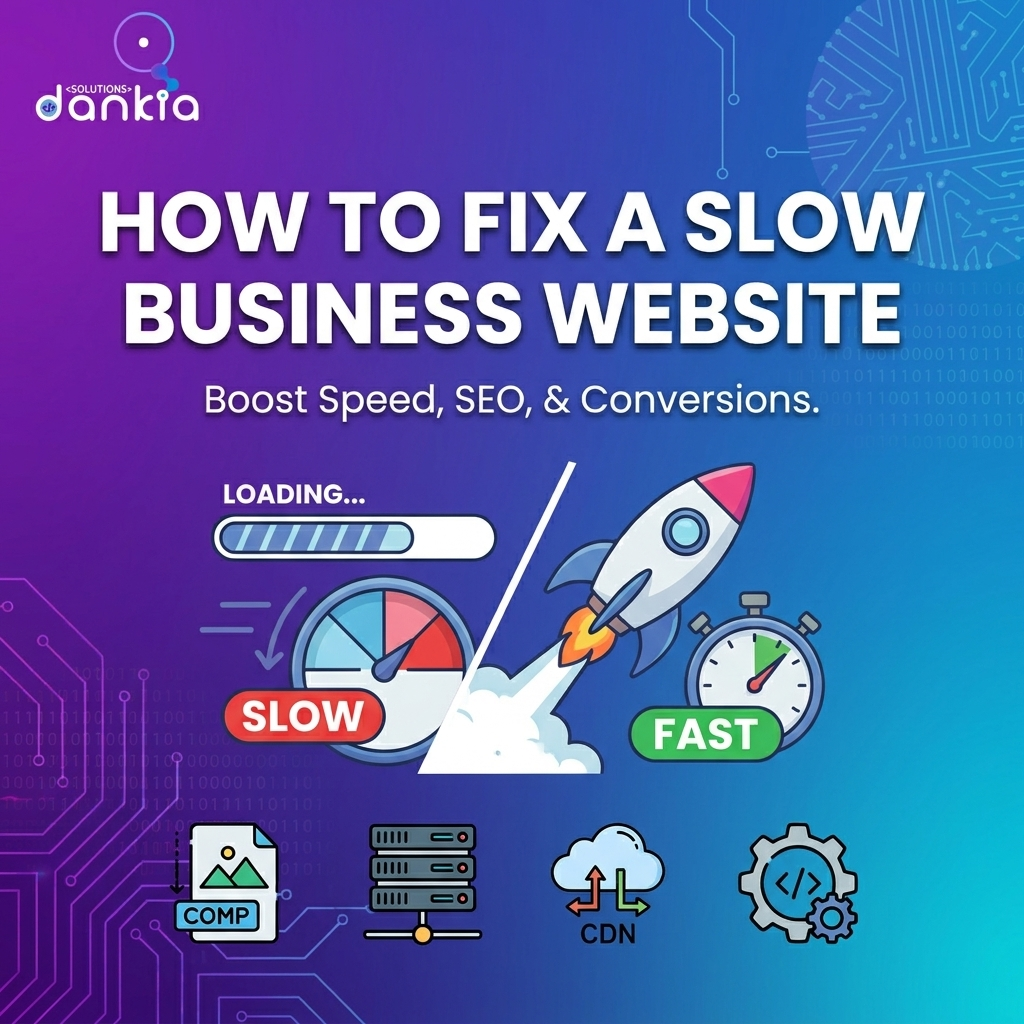
How to Fix Slow Business Website for Better Performance
- admin
- July 5, 2026
- Uncategorized
- 0 Comments
A slow business website can frustrate visitors, lower your search rankings, and ultimately cost you customers. If your site takes too long to load, you’re likely losing valuable sales and leads. Fortunately, fixing a slow business website is easier than you might think. In this guide, we’ll explore practical, effective ways to speed up your website and keep your visitors engaged.
Why Website Speed Matters for Your Business
Website speed is crucial because it directly impacts user experience and search engine rankings. Visitors expect pages to load quickly — ideally within 2-3 seconds. If your site lags, people are more likely to leave and never return. This not only reduces your chances of converting visitors into customers but also harms your SEO, making it harder for potential clients to find you online.
Common Causes of a Slow Business Website
Understanding what slows down your website is the first step toward fixing it. Here are some common reasons:
- Large Image Files: High-resolution images that aren’t optimized can take a long time to load.
- Excessive Plugins or Scripts: Too many plugins or poorly coded scripts can slow down your site.
- Slow Web Hosting: If your hosting provider isn’t reliable or fast, your website’s performance will suffer.
- Uncached Content: Not using caching means your server has to generate the same pages repeatedly.
- Too Many Redirects: Redirect chains add extra loading time.
Effective Ways to Fix a Slow Business Website
Here are practical steps you can take to boost your website speed without needing to be a technical expert:
- Optimize Images: Compress images using tools like TinyPNG or ImageOptim before uploading them. Use web-friendly formats such as JPEG or WebP.
- Limit Plugins and Clean Up Code: Remove unnecessary plugins and ensure your website code is clean and efficient.
- Choose a Fast Hosting Provider: Upgrade to a reputable hosting service that offers good server response times and uptime.
- Implement Caching: Use caching solutions to store static versions of your pages, reducing server load and speeding up delivery.
- Minimize Redirects: Avoid multiple redirects and ensure your URLs are straightforward.
- Use a Content Delivery Network (CDN): CDNs distribute your website content globally, so users load data from the nearest server.
- Enable Compression: Use gzip or Brotli compression to reduce the size of files sent from your server to the user’s browser.
How to Test Your Website Speed
Before and after applying fixes, it’s important to test your website speed. You can use free tools like Google PageSpeed Insights, GTmetrix, or Pingdom. These tools not only measure load times but also provide actionable recommendations tailored to your website.
Why Partner with Experts Like Dankia Solutions
While some website speed improvements are simple, others require technical skills and ongoing monitoring. At Dankia Solutions, we specialise in helping small businesses and startups optimise their websites for speed and performance. Our Australian-based team understands the challenges non-technical business owners face and works closely with you to implement effective solutions. From hosting upgrades to image optimisation and custom software tweaks, we ensure your website runs smoothly and supports your growth.
Faster websites mean happier visitors, improved SEO rankings, and better conversion rates — all key to growing your business online.
Conclusion: Take Action to Speed Up Your Website Today
Don’t let a slow website hold your business back. By understanding the causes and applying the right fixes, you can deliver a seamless experience to your visitors and improve your online success. If you’re unsure where to start or need expert help, Dankia Solutions is here to guide you every step of the way.
Related Posts